
How do you coordinate gala dinner service with the programme?
Plan courses around awards, breaks and interaction so guests can enjoy the meal comfortably.
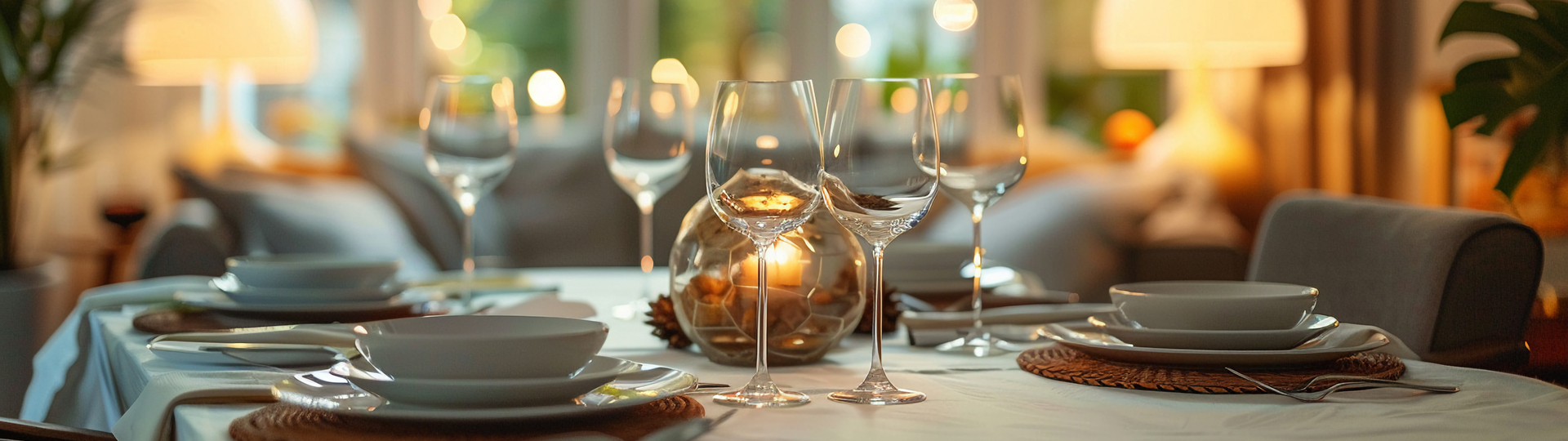

Test real presentation files, microphones and backup arrangements before confirming a conference venue.
On a conference venue visit, test real presentation files, speech clarity, connections and the steps for switching to backup equipment. An equipment list cannot show how everything works together in your programme. Bring the content coordinator alongside the technical contact so the trial uses the intended laptop, videos and presentation format rather than a generic demonstration.
Thoáng Việt halls have an LED screen or projector, but confirm which equipment serves the specific room you are considering. Bring a slide with detailed figures, a video with sound and the fonts you intend to use. Ask about aspect ratio, signal inputs and computer position. Read the slide from the back row to decide whether text or layout needs changing before materials are finalised.
Read part of a speech at the lectern and interaction area instead of simply tapping a microphone. Have someone listen from different seats, including while air conditioning is running. For questions, decide who carries the microphone and how they reach each seating section. With several speakers, record how many microphones are needed simultaneously and who manages levels, so settings are not changed independently by different participants.
Confirm power points and cable routes that leave catering access clear. For online participation, test connectivity at the technical desk and discuss a connection arrangement for production equipment. One measurement in an empty room does not represent a full audience using the network. Agree how connection performance will be monitored and what the team will do if it becomes unsuitable during the session.
List likely problems such as lost picture, missing sound or a file that will not open, with an owner and a cue for the host. Practise switching to the backup laptop to establish the actual steps. Record access, rehearsal and room handover times. If an outside supplier is involved, confirm the coordination contact so responsibilities do not fall into a gap between teams.
Send Jolie - Thoáng Việt Premium your display requirements, speaker count and connection needs before the visit. Request a trial with the room operator and document confirmed equipment plus any additions. The organiser can then assess the venue against a working programme and brief suppliers from a shared record, making the final rehearsal more focused and useful.
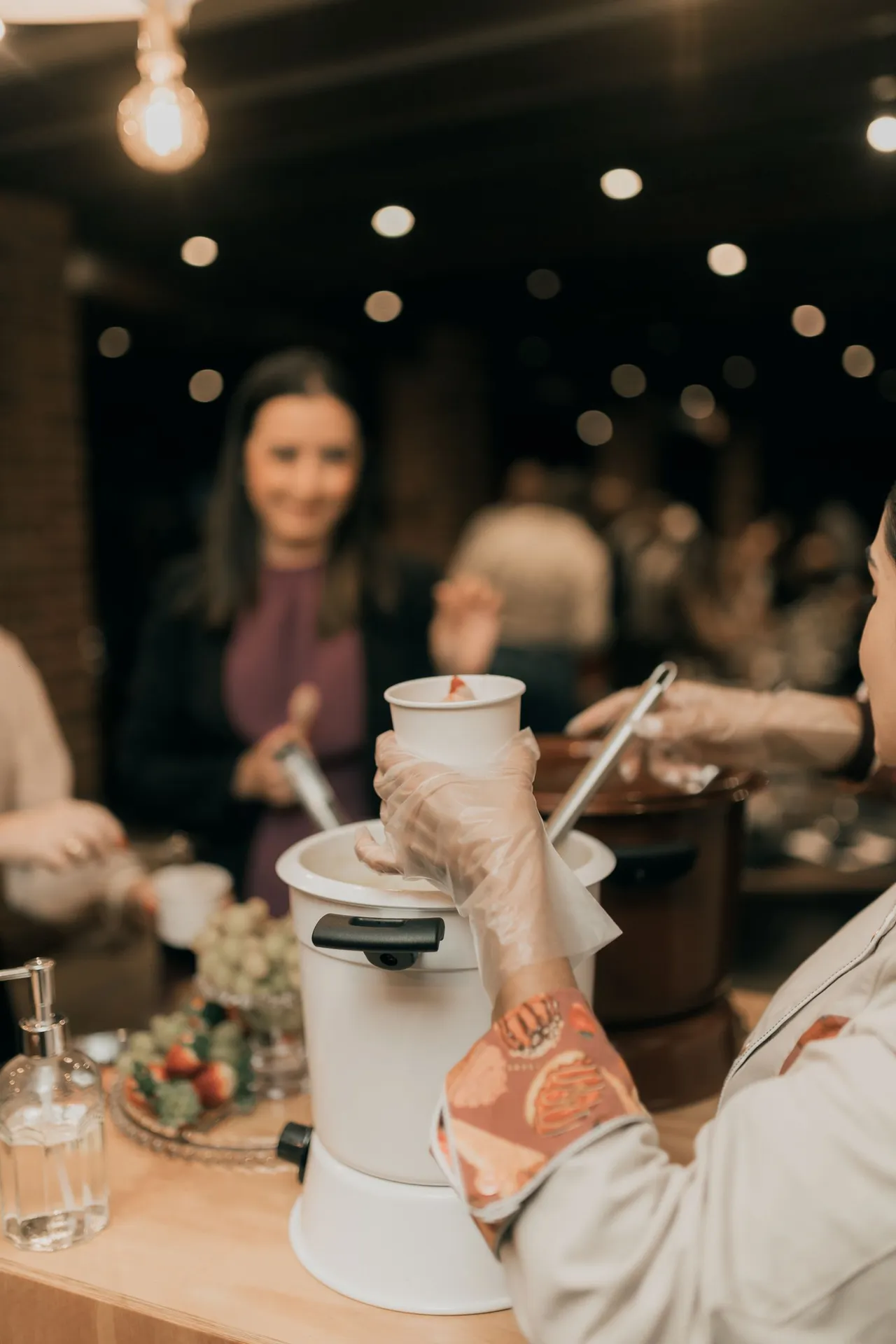
Plan courses around awards, breaks and interaction so guests can enjoy the meal comfortably.
Start with the programme, then test seating against sightlines, movement and catering space.
Compare three service formats against your premises, shifts and receiving arrangements.